
How to Implement Outbound Dialer for DEC Letter Follow-Ups

TL;DR
An outbound dialer for DEC letter follow-ups should be built as a case-development workflow, not a sales call tool. Start by cleaning your matter data, define structured call dispositions, write scripts for each recipient type (carrier, adjuster, client, provider), layer in TCPA and consent controls, and connect every outcome back to the case file. Pilot on 25 to 50 matters before scaling. The best tool for this job is one built around legal operations, not cold outreach.
What Is a DEC Letter Follow-Up?
A declarations page (commonly called a “dec page”) is the summary page of an insurance policy. It shows the policyholder, policy period, covered vehicles or property, coverage types, limits, deductibles, and premium information. NerdWallet describes it as the key policy snapshot that tells you what a policy covers and for how much.
For personal injury firms, dec pages are critical early in a case. They help attorneys identify available coverage sources: liability limits, UM/UIM, MedPay, PIP, and other applicable policies. A Michigan PI firm explains that dec pages help injury lawyers map recovery across every potential source.
A “DEC letter follow-up” is the operational work of requesting, tracking, and retrieving these documents from insurance carriers, adjusters, brokers, or clients. These are document retrieval calls, not marketing. They go to carrier claims lines, adjuster direct numbers, client phones, and sometimes provider records departments when medical records are part of the same chase.
This distinction shapes the entire implementation. When figuring out how to implement an outbound dialer for DEC letter follow-ups, the question is not “how do I dial faster?” It is “how do I retrieve the right document, update the right matter, and trigger the right next step?”
Why Manual DEC Follow-Up Breaks at Scale
Most PI firms start with a manageable process. A paralegal calls the carrier, leaves a voicemail, sets a calendar reminder, and follows up in a few days. It works at 30 open cases.
At 150 or 300 cases, it falls apart.
Notes end up in individual inboxes. Reminders sit in personal calendars that nobody else can see. Verbal handoffs between team members lose context. Spreadsheets track some requests but not others. Nobody can quickly answer: “What happened on the last DEC request for the Johnson matter?”
SmartAdvocate’s automation guide confirms this pattern: manual follow-up fails when firms rely on staff memory and spreadsheets instead of structured, case-driven workflows. The same breakdown hits DEC chases, medical-record requests, and lien status checks.
Practitioners on Reddit reinforce this from the ground level. One r/LawFirm user sharing phone intake stats noted that improving what happens after a missed call or failed attempt sometimes outperformed adding more live coverage. For DEC follow-ups, the equivalent insight is clear: before adding more dials, fix the next-step logic after each failed attempt.
The solution is not simply an auto dialer. It is a dialer connected to your matter data, consent records, compliance rules, and case notes. Clio’s integration guide makes the same point: automation performs best when connected to matter systems rather than deployed as a standalone tool. PI firms that already struggle with scattered follow-up can learn more about how AI receptionists support PI workflows alongside outbound automation.
See how Lawtté automates outbound DEC follow-ups for PI firms.
At-a-Glance: 7 Dialer Options for DEC Letter Follow-Ups
| Option | Best For | Starting Price | Dialer Type | Key Advantage | Main Tradeoff |
|---|---|---|---|---|---|
| Lawtté Scale | PI firms wanting legal-specific DEC and medical chase automation | $499/mo (205 outbound calls) | Legal AI outbound workflow | Built for PI workflows including DEC letters and medical chases | Confirm configured languages and trial terms at onboarding |
| CloudTalk | Teams needing a configurable power/parallel dialer | €25/user/mo annually | Power/parallel dialer | Strong outbound tooling, CRM integrations | Add-ons raise true cost; not legal-specific |
| Aircall | Firms wanting a business phone system with outbound campaigns | $30/license/mo (3-user min) | Cloud phone + power dialer | Power dialer on Professional plan, 250+ integrations | Power dialer not on entry plan; not built for PI workflows |
| Dialpad Sell | Teams wanting AI coaching and transcription | $39/user/mo annually | Sales dialer + AI | AI recaps, coaching, transcription | Built for sales, not legal case development |
| RingCX | Larger contact-center environments | $65/seat/mo | Contact center | Strong routing, reporting, omnichannel | Heavy setup; overkill for narrow DEC workflows |
| Twilio Flex | Firms with developer resources | $1/active user hour or $35/monthly active user | Programmable contact center | Maximum customization | Highest implementation burden |
| CMS Workflow First | Firms without clean matter data yet | Varies by CMS | Task automation + manual calling | Keeps work in the case file | Does not reduce dialing labor |
7 Steps to Implement an Outbound Dialer for DEC Letter Follow-Ups
Step 1: Start with Structured Matter Data
The dialer should pull from your case management system, not a spreadsheet export. Before any call gets placed, your matter records need these fields populated:
- Matter ID and client name
- Claim number or policy number
- Date of loss
- Insurance carrier and adjuster name
- Adjuster phone, email, and fax
- Request type (dec page, policy limits, UM/UIM dec, MedPay/PIP, medical records)
- Authorization status
- Last request and last attempt dates
- Do-not-call or opt-out flags
- Recording consent setting
If your dialer calls with a missing claim number or a stale adjuster contact, you save dialing time but lose credibility with the carrier. The better implementation is slower at setup and faster in production.
Firms that have not yet built this structured data layer should treat that as the first project. Connecting AI intake to your case data before activating outbound automation prevents the most common failure mode: automating a broken process.
Step 2: Build a Disposition Taxonomy
Every call needs a structured outcome. “Called, no answer” is not enough detail to drive a workflow.
Recommended disposition codes for DEC follow-up calls:
- Reached adjuster, document promised by date
- Reached adjuster, refused
- Reached general claims line, transferred
- Wrong department, correct contact obtained
- Left voicemail
- No answer
- Busy
- Bad number
- Carrier requires fax or email
- Portal access required
- Authorization missing
- Claim or policy number missing
- Dec page received
- Partial document received
- Escalate to case manager
- Escalate to attorney
- Do not call or consent revoked
Practitioners on a r/paralegal discussion about records requests noted that the first productive call often does not retrieve the document itself. Instead, it identifies the right fax number, email address, department, or portal. Your disposition codes should capture that progress, not just final document receipt.
Step 3: Write Scripts by Recipient Type
One script for everyone is a mistake. The person you call, what you say, and what you ask for changes depending on the recipient.
Carrier or adjuster script: Identify your firm and client. Reference representation. Provide the claim number and date of loss. Request the specific document (declarations page, policy limits disclosure). Confirm the secure delivery method and expected timeline.
Client script: Confirm identity. Ask whether they have their dec page or can help retrieve it. Avoid legal advice. Confirm their preferred communication channel. Capture any opt-out request.
Provider or records script (if chasing medical records): Confirm authorization is on file. Ask about records or billing request status. Confirm delivery channel. Minimize unnecessary discussion of protected health information.
For voicemails, use a consistent structure: firm name, client or matter reference, document requested, secure return method, callback number, and a closing line asking to be redirected if this is the wrong department.
Step 4: Define Your Retry Cadence
Calling once and giving up is not a follow-up system. Calling ten times in three days is not a follow-up system either.
A reasonable starting cadence for DEC follow-ups:
- Attempt 1: Day 0 (initial request or first call)
- Attempt 2: Day 2
- Attempt 3: Day 5
- Attempt 4: Day 10
- After 3 to 4 failed attempts: Switch channel (email, fax, portal) or escalate to a person
- On opt-out or legal hold: Stop immediately
Outbound connect rates vary significantly. A r/SalesOperations discussion reported 6 to 9% connect rates for cold SDR calls. DEC follow-ups are warmer than cold outreach, but connect rates still depend on caller ID reputation, time of day, whether you have the right department number, and voicemail strategy.
The goal is not maximum attempts. It is structured persistence with clear escalation triggers. For more on building automated follow-up sequences, see our related guide.
Step 5: Add Compliance Controls Before Launch
This step should not be an afterthought. Compliance controls must be configured before the first call goes out.
TCPA and AI voice: The FCC has confirmed that AI-generated voice calls are treated as artificial or prerecorded voice calls under the TCPA. That means the same consent and disclosure framework applies whether a human or an AI agent places the call. The FCC also requires callers to honor do-not-call and consent revocation requests within a reasonable time, not to exceed 10 business days.
Call recording: Configure recording rules by jurisdiction and call type. If uncertain, disclose recording at the start of the call or disable it. Store recordings only where your firm’s retention and confidentiality policies allow.
SMS (if part of the sequence): U.S. A2P 10DLC registration is required for business text messaging from 10-digit long codes. Twilio now requires privacy policy and terms URLs for new campaign registration. Twilio-related Reddit threads show users struggling with A2P approval, vague rejection feedback, and slow support cycles. Build registration time into your implementation timeline. Do not treat texting as a same-day add-on.
HIPAA (if chasing medical records): HIPAA’s right of access generally requires covered entities to respond to requests within 30 calendar days. Check authorization status before dialing any provider. Do not let an AI agent improvise around protected health information. A r/LawFirm discussion on HIPAA releases warned that overly broad or blank authorizations can create disputes; one practitioner recommended using individual authorizations for known providers.
For a deeper walkthrough of TCPA requirements for law firm dialers, see our guide on configuring compliant outbound dialers.
Disclaimer: This article does not constitute legal advice. Consult counsel before launching outbound calling, AI voice, SMS, or recording workflows.
Step 6: Connect Case-File Write-Back
The call is not finished until the case file is updated. A transcript sitting in a separate dialer dashboard does no good if the paralegal, case manager, or attorney cannot see it in the matter.
Minimum write-back fields:
- Call timestamp and number dialed
- Person or department reached
- Outcome code
- Summary or transcript link (where allowed)
- Next action and due date
- Staff owner for next step
- Document received (yes/no)
- Escalation needed (yes/no)
- Consent or opt-out updates
HelloCounsel’s PI software guide recommends testing tools by inspecting exactly what gets written back to the case file after each action, counting manual steps, forcing exceptions, and assigning ownership. That advice applies directly to outbound dialer implementation.
Step 7: Pilot on 25 to 50 Matters
Do not roll out to the full caseload on day one.
Pick one case type (auto accident PI), one document (auto dec page), and one recipient type (carrier or adjuster). Run 25 to 50 matters through the new workflow and measure:
- Calls placed and connect rate
- Documents received
- Average days from first request to receipt
- Manual touches avoided
- Escalations triggered
- Bad numbers encountered
- Opt-outs captured
- Staff corrections required
- Write-back accuracy
Review call transcripts. Fix scripts and data fields. Only expand to medical-record chases, client calls, or additional case types after the DEC workflow is stable and producing clean results.
Choosing Your Dialer: 7 Options for DEC Follow-Up Workflows
Not every firm needs the same tool. Some need a legal-specific AI platform. Others need a general-purpose power dialer they can configure. Some need to fix their case management workflows before buying anything new.
Here are seven paths, starting with the strongest fit for PI firms implementing an outbound dialer for DEC letter follow-ups.
1. Lawtté Scale
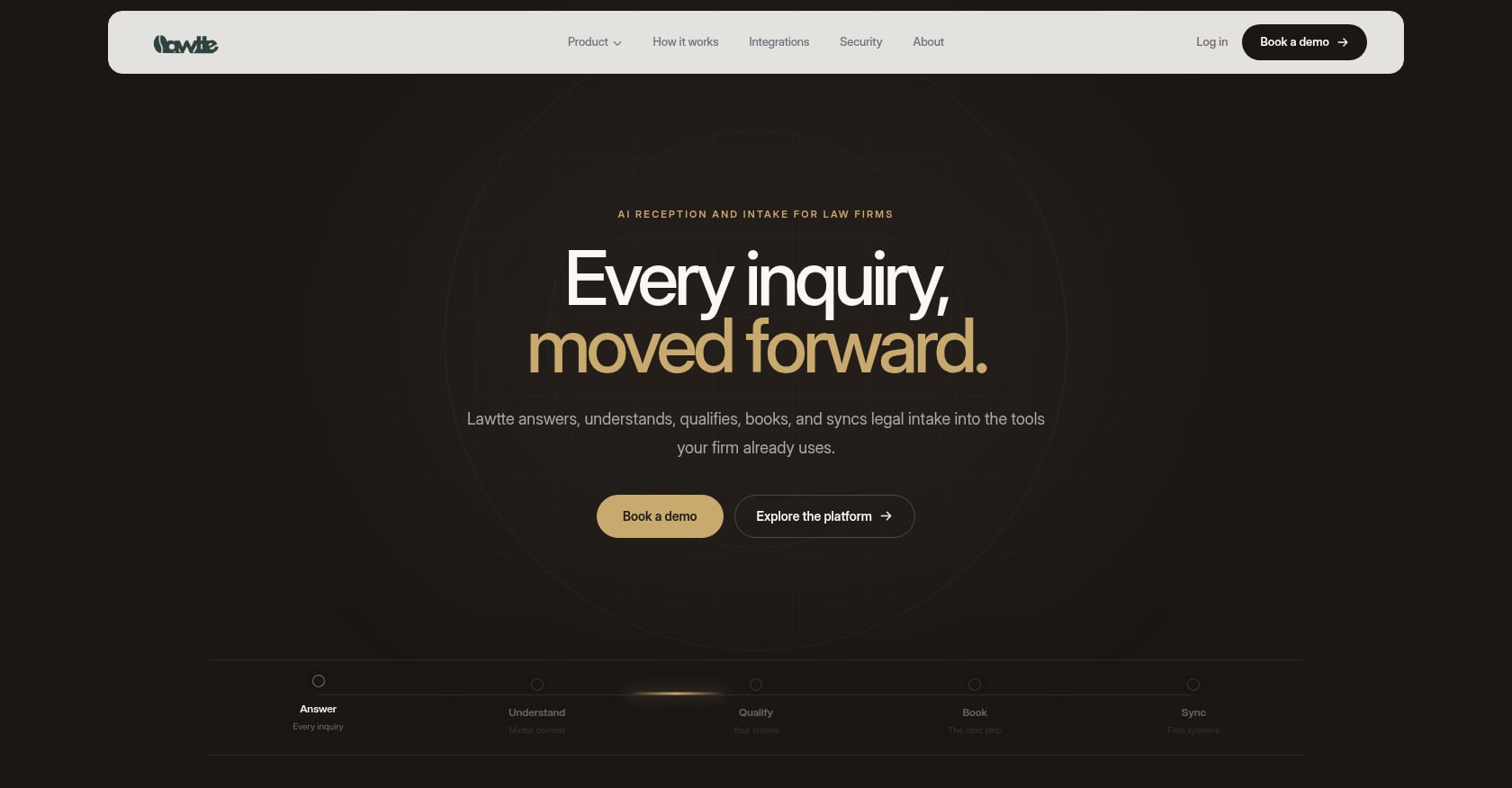
Best for: PI firms that want a legal-specific outbound engine for DEC letters, medical chases, and client follow-ups, all integrated with their case management system.
Pricing:
- Starts at $499/month for 205 outbound calls (approximately 410 minutes)
- Overage: $0.80/min
- Bundle discounts: 10% off for 2 products, 15% off for all 3
- Annual billing saves 20%
- Confirm current trial and money-back guarantee terms in your order form, as site messaging varies
Key features:
- PI Auto-Dialer for DEC letters and medical-record chases
- 100+ calls/hour outbound capacity
- Multichannel nurture and retargeting
- Integrations with Clio, Filevine, MyCase, CasePeer, Lawmatics, PracticePanther, Litify, Slack, Teams, Outlook, HubSpot
- Multilingual support (10+ languages, confirm configured set at onboarding)
- API-first platform with endpoints for outbound calls, campaigns, contacts sync, webhooks, and workflow builder
- End-to-end call encryption; data not used to train models per TOS
Tradeoffs:
- AI voice may need human escalation for unusual carrier responses
- Language support descriptions vary across site pages; verify during onboarding
- No public SOC 2 attestation listed; buyers needing formal certifications should ask during evaluation
Why it is the top recommendation: Lawtté Scale is the only option on this list purpose-built for PI outbound operations. It does not just make calls; it understands the legal workflow context around DEC chases, medical-record follow-ups, and client status updates. Generic dialers require firms to design that layer themselves.
Explore how Lawtté connects intake to outbound workflows for PI firms.
2. CloudTalk
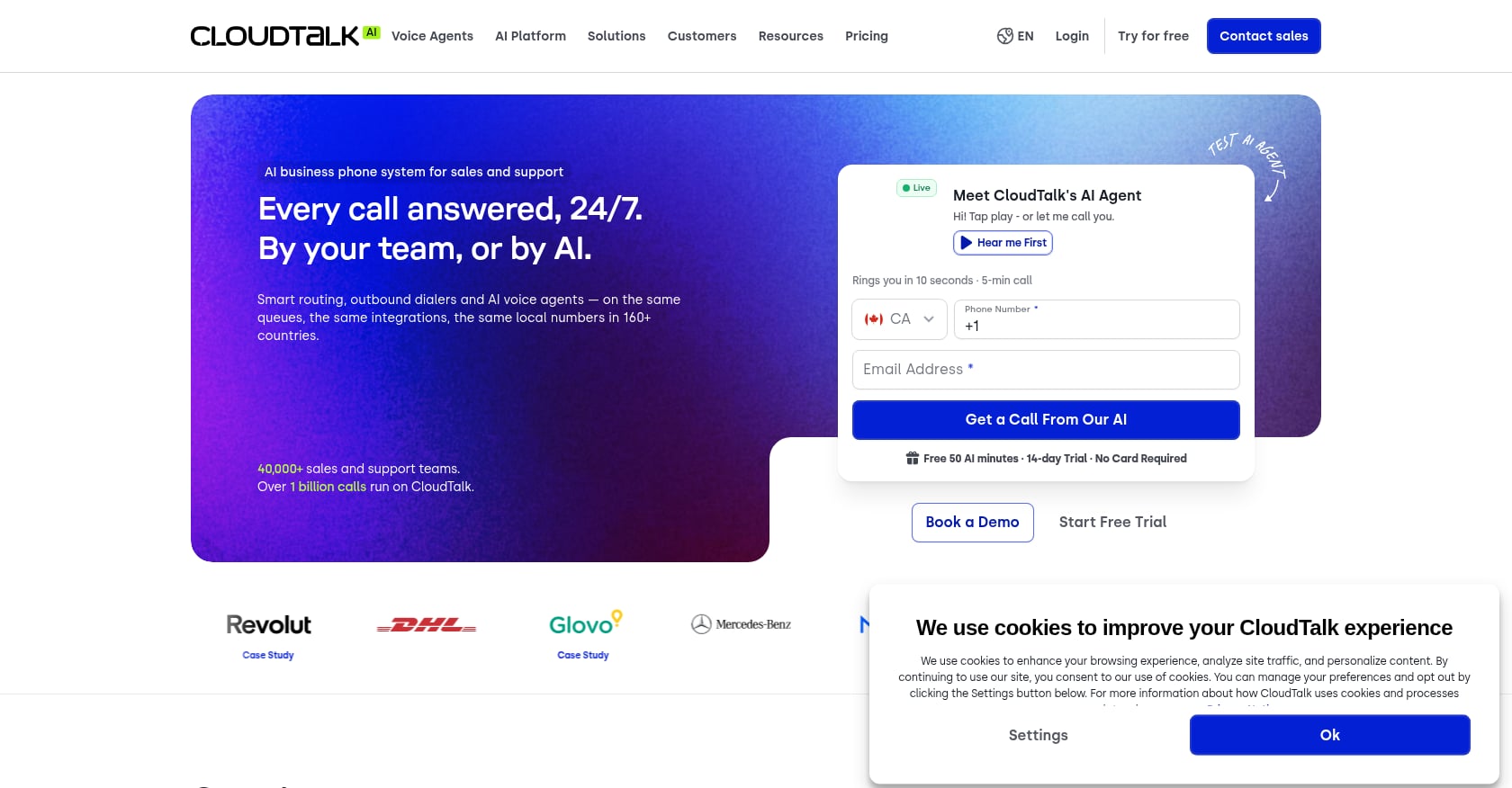
Best for: Operations teams that want a configurable power or parallel dialer and can manage legal workflow design themselves.
Pricing:
- Starter: €25/user/month annually
- Essential: €29/user/month annually
- Expert: €49/user/month annually (includes power dialer)
- Power Dialer add-on: €15/user/month
- Parallel Dialer: €39/user/month
- AI Voice Agents: from €99 for 200 minutes/month
Key features:
- Power dialer and parallel dialer (up to 10 lines)
- Voicemail drop and call outcomes
- CRM integrations and call recording
- AI notes and transcripts as add-ons
Tradeoffs:
- Not legal-specific; your firm must build scripts, consent controls, outcomes, and write-back logic
- Add-ons (AI, parallel dialing, branded caller ID, spam remediation) raise total cost well above the base price
- Parallel dialing may create awkward delays on sensitive client-facing calls
Reddit discussions about CloudTalk consistently warn that the real cost rises once dialer, AI, and volume add-ons are stacked. Mixed-usage teams also face friction, since paying the same license for heavy dialers and occasional users can get expensive.
3. Aircall
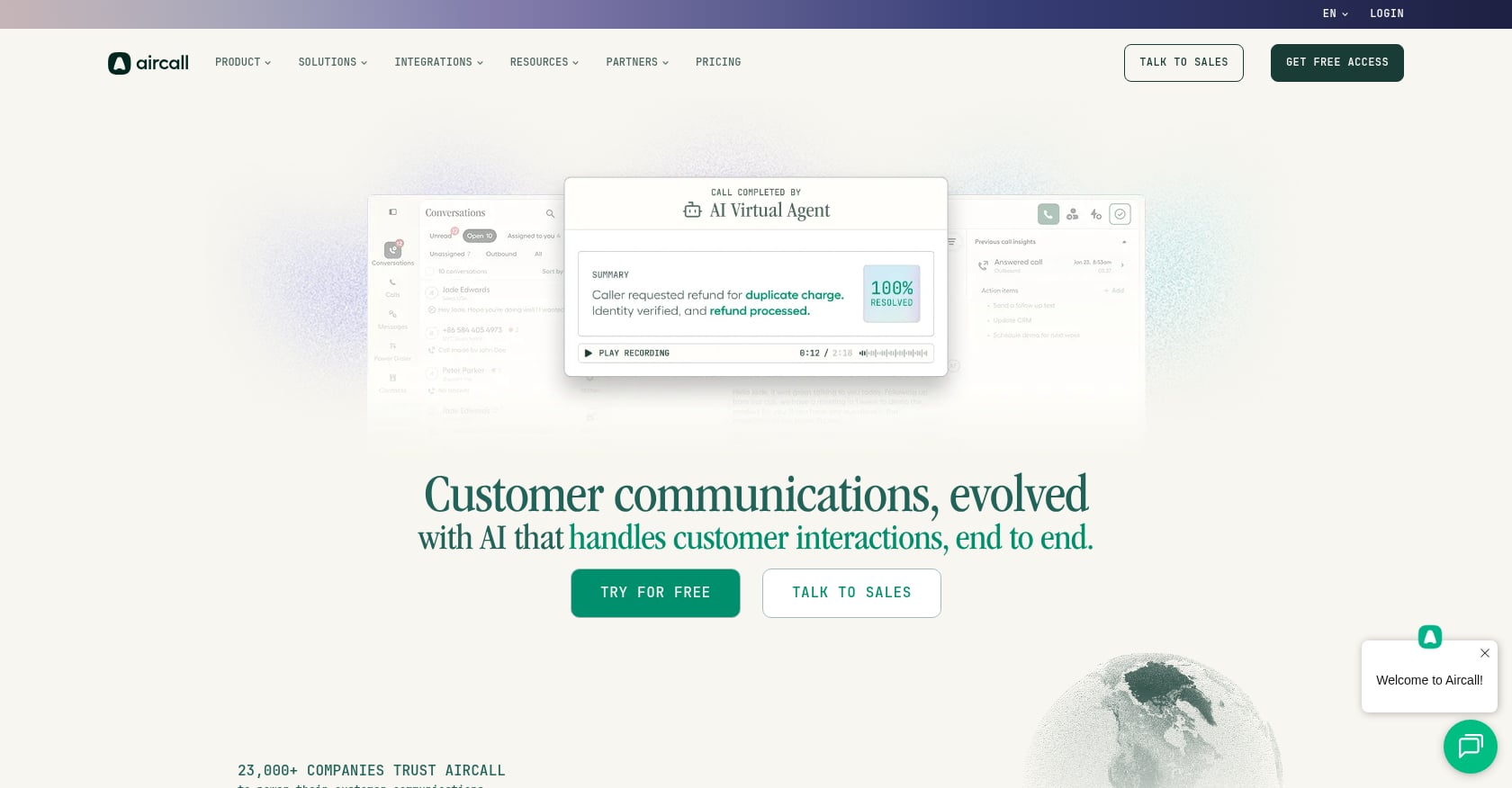
Best for: Firms wanting a polished business phone system with outbound campaign capabilities on the Professional plan.
Pricing:
- Essentials: $30/license/month
- Professional: $50/license/month (includes power dialer, outbound campaigns, voicemail drop)
- 3-license minimum on both tiers
- Enterprise pricing is custom
Key features:
- Power dialer and outbound campaigns on Professional
- 250+ integrations including common CRM and helpdesk tools
- IVR, call recording, real-time analytics
- API access on Professional and above
Tradeoffs:
- Power dialer is not available on the entry plan
- Three-seat minimum means solo practitioners or two-person teams still pay for three licenses
- Not built for PI case development; DEC workflow logic, compliance, and CMS write-back must be designed by the firm
Aircall holds a 4.4/5 rating on G2 from over 1,600 reviews. Some Reddit users have flagged call quality and support issues, while others report strong performance when paired with HubSpot.
4. Dialpad Sell
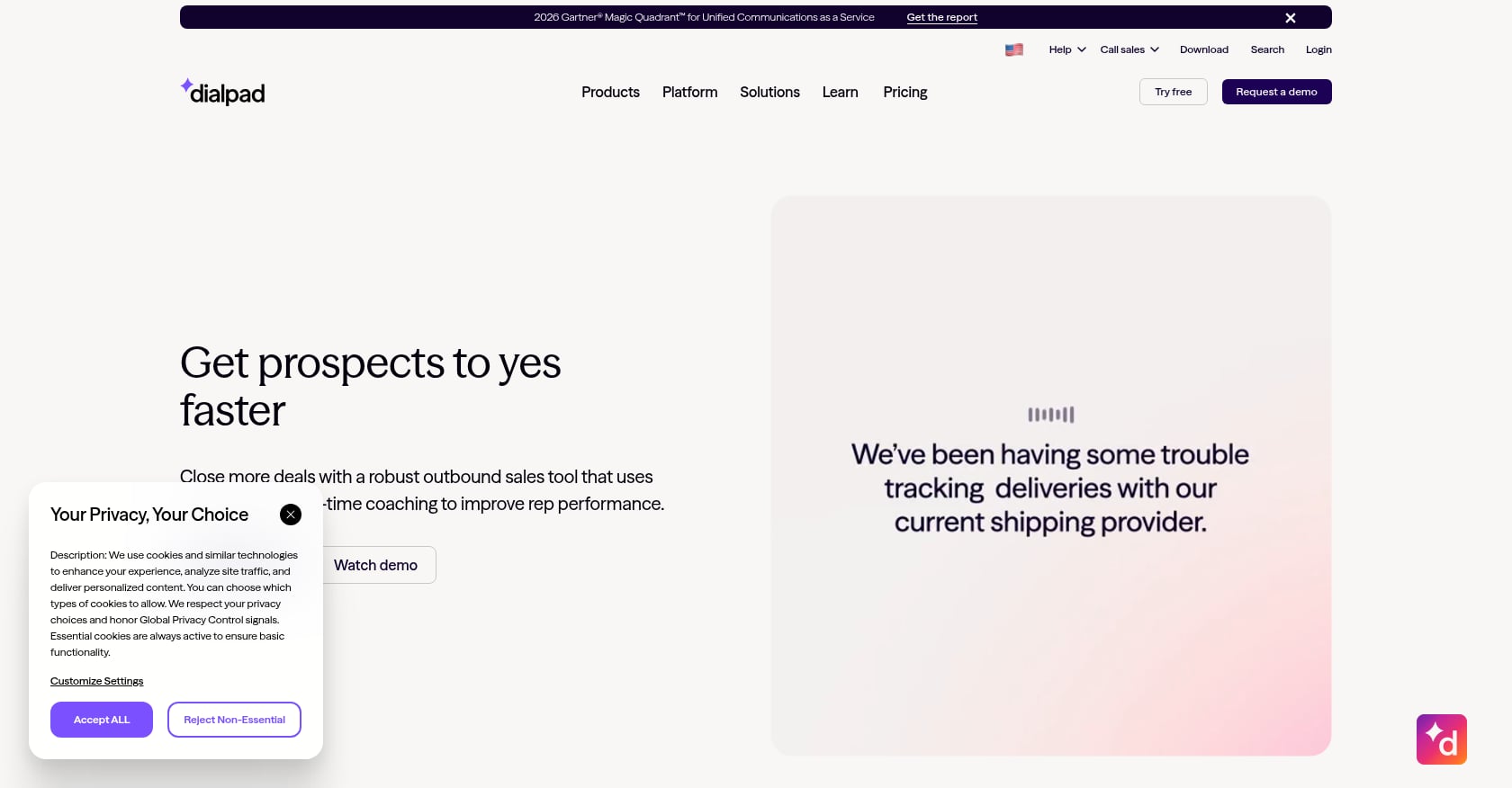
Best for: Intake teams that want AI-assisted calling with transcription, coaching, and call analytics.
Pricing:
- Essentials: $39/user/month annually ($49 monthly)
- Advanced: $95/user/month annually
- Premium: $150/user/month annually
Key features:
- AI recaps and real-time transcription
- Sales-style coaching and workflows
- Contact center and communications products available separately
Tradeoffs:
- Built for sales teams, not legal case development
- Dialpad can help with calls, but it will not define your DEC workflow for you
- Matter context, compliance rules, document status tracking, and case-note write-back must all be designed separately
Dialpad Sell holds a 4.5/5 on G2 from 188 reviews. One Reddit user comparing power dialers found Dialpad’s AI features interesting but mentioned occasional sound-quality issues tied to settings they could not easily control.
5. RingCX
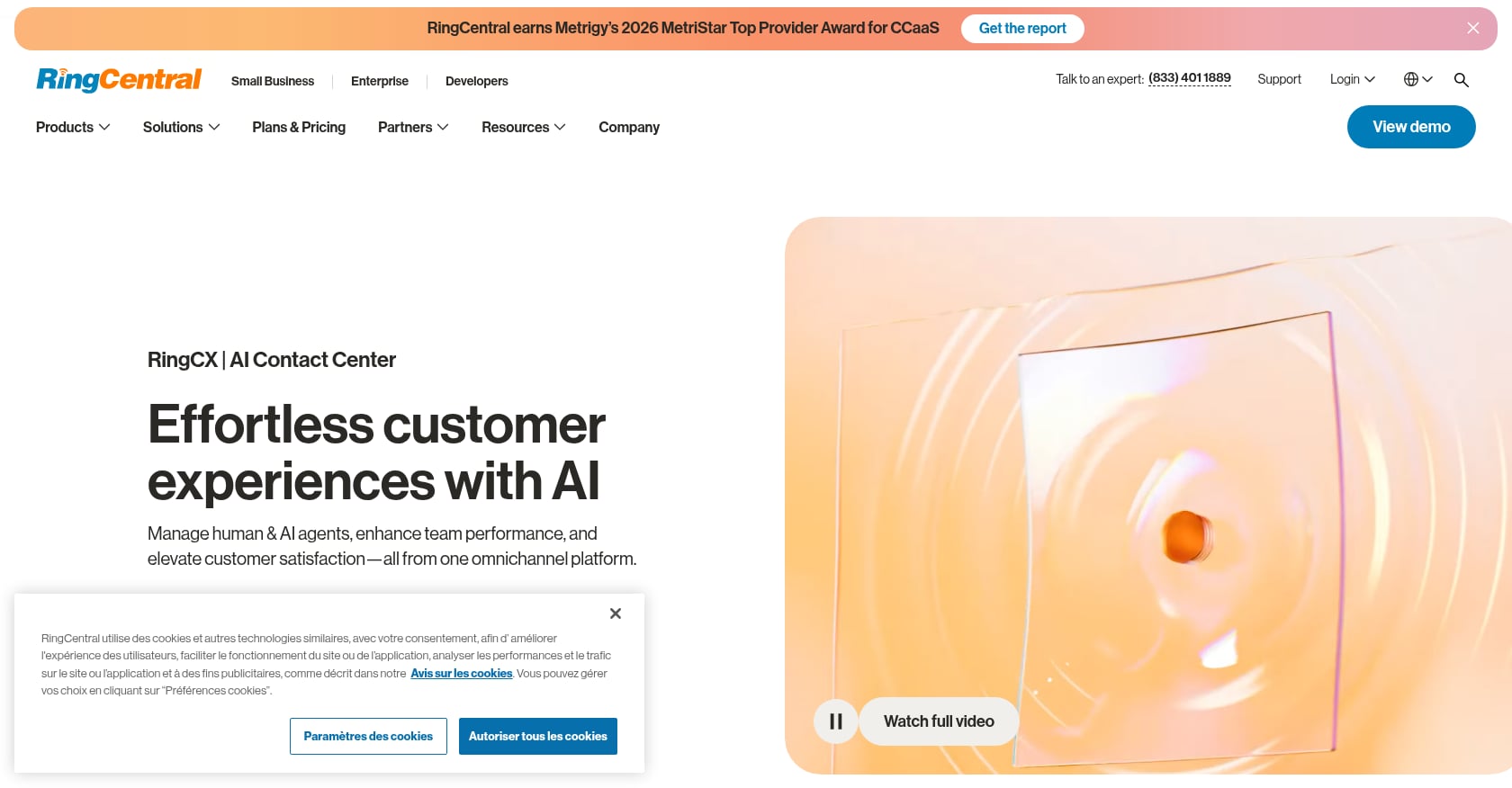
Best for: Larger firms or multi-office operations with formal intake or case-development call centers.
Pricing:
- Standard: $65/seat/month
- Professional: $95/seat/month
- Elite: $145/seat/month
- No free plan or trial per G2 pricing data
Key features:
- Voice plus 20+ digital and social channels
- Skills-based routing, IVR, ACD
- CRM integrations and real-time reporting
- Agent screen recording and monitoring
Tradeoffs:
- Heavy setup and admin overhead for smaller firms
- A G2 reviewer in healthcare praised the unified channels but criticized CX/EX silos, confusing reporting, and compliance friction from unexpected feature changes
- Stronger fit for full contact-center operations than a narrow DEC follow-up workflow
6. Twilio Flex
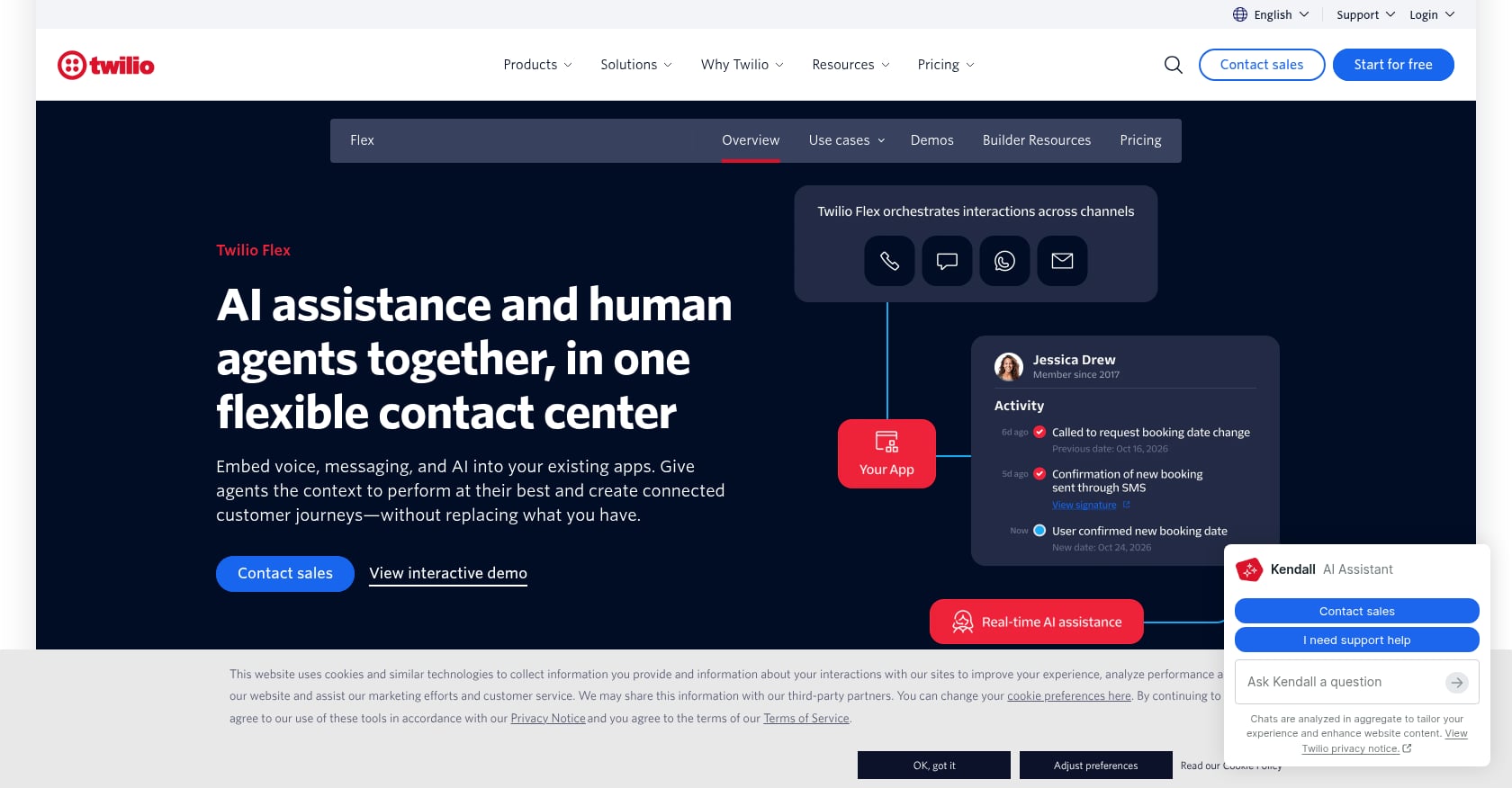
Best for: Firms with developer resources or a trusted legal-tech consultant who wants full control over call logic, SMS, retries, and CMS integration.
Pricing:
- Free trial: 5,000 active user hours for new accounts
- User + usage: starts at $35/monthly active user
- Named user: $150/named user
- Active user hour: $1/hour
- Usage charges apply on top
Key features:
- Programmable voice, SMS, and contact center
- Custom workflows and CRM/CMS integration
- Embeddable into existing applications
- Multichannel support
Tradeoffs:
- Highest flexibility but highest responsibility
- Compliance, consent management, call recording rules, AI voice disclosures, QA, and CMS write-back are entirely on the firm or its vendor
- A2P 10DLC registration adds real friction, as Twilio-related Reddit threads show users struggling with campaign approval, privacy policy requirements, and vague rejection feedback
A r/legaltech commenter put it directly: for a lightweight outbound workflow, wiring MyCase, Google Calendar, Twilio voice and SMS, and payment links into a single custom sequence may beat buying another generic AI vendor. That approach works if the firm has strong technical ownership. Most do not.
7. Case-Management Workflow First
Best for: Firms that have not yet cleaned up their matter data, task automation, or document status tracking.
This is not a dialer. It is the prerequisite. If your team cannot reliably answer “what happened on the last DEC request?” without digging through email, you need to fix case workflow before buying call automation.
Implementation steps:
- Build recurring tasks and case-stage triggers for DEC requests
- Centralize communication history in the matter
- Add dashboards for stale requests
- Use templates for email, fax, and SMS
- Add manual call outcome codes before automating calls
Tradeoffs:
- A task system alone does not make calls
- Manual execution remains a bottleneck
- But this step prevents you from automating a broken process, which is worse than doing nothing
For a broader look at auto dialer options and how they fit different firm sizes, see our dialer software guide.
Sample DEC Follow-Up Workflow
Here is what a fully implemented outbound dialer workflow looks like for a single auto-accident PI matter:
Day 0: New matter opens. System creates a DEC request task. Initial request sent to carrier via the firm’s preferred channel (fax, email, or portal). Outbound call scheduled for Day 2.
Day 2: Dialer calls the adjuster’s direct number. If reached, confirms claim number, requests dec page, captures expected delivery date. Outcome written to matter. If voicemail, structured message left. Next attempt scheduled for Day 5.
Day 5: Second call attempt. If no answer or wrong department, system switches channel (sends follow-up email or fax). Captures the correct department or contact if discovered. Next attempt scheduled for Day 10.
Day 10: Third attempt. If still unresolved, task escalates to case manager or supervising paralegal. Escalation flag appears on dashboard.
On document receipt: Dec page attached to matter. Coverage fields updated (liability limits, UM/UIM, MedPay/PIP). Case manager notified. Task closed.
On refusal: Attorney review triggered. Escalation documented in matter notes.
This is one workflow for one document type. The same structure applies to medical-record chases, lien checks, and policy-limits disclosures, but each requires its own scripts, recipient types, authorization checks, and escalation rules.
Compliance Checklist for Outbound DEC Follow-Up Dialers
Before launching any outbound dialer for DEC letter follow-ups, confirm these controls are in place:
TCPA:
- Consent source logged for each contact
- AI voice disclosed where required (FCC treats AI voices as artificial/prerecorded)
- Opt-out detection and immediate suppression
- Do-not-call list maintained and synced across campaigns
- Quiet-hour settings configured
- Revocation honored within 10 business days (FCC standard)
- Separate rules for client-service calls vs. provider/carrier calls vs. any marketing communications
Call recording:
- Jurisdiction-specific recording rules configured
- Disclosure provided at call start or recording disabled
- Storage governed by firm retention and confidentiality policies
SMS (if used):
- A2P 10DLC brand and campaign registered
- Privacy policy and terms URLs included in registration
- HELP/STOP language where appropriate
- Opt-outs synced back to contact records
- No sensitive information transmitted via SMS unless counsel and security approve
HIPAA (if chasing medical records):
- Authorization status confirmed before dialing providers
- AI prohibited from improvising around PHI
- Provider pushback routed to a human
- Medical-record and insurance-dec-page workflows tracked separately
Do not automate:
- Coverage disputes
- Settlement discussions
- Legal advice of any kind
- Client distress situations
- Threats or complaints
- Denials requiring attorney judgment
- Identity verification failures
- HIPAA authorization disputes
For a deeper overview of TCPA rules specific to law firm dialers, see our TCPA compliance guide.
Key Metrics for DEC Follow-Up Performance
Once your outbound dialer is running, track these numbers weekly.
Operational metrics:
- Open DEC requests
- Average days from first request to document receipt
- Attempts per request
- Contact rate
- Document receipt rate
- Stale requests (older than 14, 30, and 45 days)
- Wrong-number rate
- Percent with missing claim, policy, or adjuster data
Compliance metrics:
- Consent-missing rate
- Opt-outs captured
- Calls blocked by quiet hours
- Manual review flags triggered
- A2P messages blocked or undelivered
Quality metrics:
- Script adherence (sample QA review)
- Correct matter updated
- Correct outcome code logged
- Next task created automatically
- Escalation accuracy
Business impact:
- Coverage identified faster (days saved)
- Demand package completion speed
- Reduction in paralegal chase hours
- Fewer inbound “what’s the status?” calls from clients
- Faster case movement from intake to demand
Which Approach Is Right for Your Firm?
The answer depends on where your bottleneck actually sits.
If your matter data is clean and you want legal-specific automation: Lawtté Scale is the strongest fit. It is the only option here designed around PI outbound workflows including DEC chases, medical-record follow-ups, and client status updates. It writes outcomes back to your case management system and includes compliance controls built for law firms.
If you have strong operations staff and want dialing throughput: A generic power dialer like CloudTalk or Aircall can work, but your team must design the legal workflow layer, compliance controls, scripts, and CMS write-back. Budget for the total cost including add-ons, not just the base license.
If you have developer resources and unusual workflows: A Twilio Flex custom build offers maximum control but maximum responsibility. Every compliance rule, call flow, retry cadence, and write-back connection is yours to build and maintain.
If your team cannot reliably tell you the last status of a DEC request: Fix the case management workflow first. No dialer can compensate for missing data and undefined processes.
An outbound dialer can make your team faster. It can also make a bad process louder. The goal of implementing an outbound dialer for DEC letter follow-ups is not more dials. It is fewer stale requests, cleaner documentation, faster coverage discovery, and less paralegal time wasted on repetitive carrier chases.
The best first move for most firms is a controlled pilot. Pick 25 to 50 matters, one document type, one recipient type, and run the workflow end to end. Measure what actually changes. Then expand.
Contact Lawtté to see how Scale automates DEC letter follow-ups, medical chases, and PI case workflows.
Frequently Asked Questions
What is a DEC page in personal injury law?
A DEC page (declarations page) is the summary section of an insurance policy. It lists the policyholder, policy number, coverage period, covered vehicles or property, coverage types, limits, and deductibles. PI attorneys use it to identify all available coverage sources, including liability, UM/UIM, MedPay, and PIP. Obtaining dec pages early helps the firm understand the full recovery picture before building a demand.
Is an outbound dialer for DEC follow-ups considered telemarketing under the TCPA?
Not necessarily. DEC follow-up calls are administrative document-retrieval calls, not sales pitches. However, if the dialer uses AI-generated or prerecorded voice, those calls still fall under TCPA artificial voice restrictions regardless of purpose. Consent requirements, opt-out handling, and quiet-hour rules apply. The FCC treats AI voices the same as prerecorded messages. Consult counsel to classify your specific call types correctly.
How many retry attempts should I make for a DEC follow-up call?
A common starting point is 3 to 4 attempts spaced over 10 days (Day 0, Day 2, Day 5, Day 10), then switch channels or escalate. The right cadence depends on the recipient type, your firm’s relationship with the carrier, and state-specific rules. Track connect rates and adjust. More attempts are not always better if the number is wrong or the department requires a different contact method.
Can I use an AI voice agent to make DEC follow-up calls?
Yes, but with guardrails. AI voice agents can handle routine calls like requesting a dec page status or leaving a structured voicemail. They should not handle coverage disputes, legal questions, client distress, or HIPAA authorization disputes. Build clear escalation rules that route any edge case to a human. The FCC requires that AI voice calls follow the same consent framework as prerecorded calls.
What case management systems integrate with outbound dialers?
It depends on the tool. Lawtté Scale integrates with Clio, Filevine, MyCase, CasePeer, Lawmatics, PracticePanther, and Litify, among others. Generic dialers like CloudTalk and Aircall offer CRM integrations but may not write directly to legal case management fields. Always test the actual write-back: which field, note, or task gets created in the matter after each call?
Should I use SMS as part of my DEC follow-up workflow?
SMS can be a useful fallback channel, especially after failed call attempts. But it requires A2P 10DLC registration for business texting in the U.S., documented opt-in, HELP/STOP compliance, and opt-out syncing. Do not transmit sensitive case details via text unless your firm’s privacy and security policies allow it. Build A2P registration time into your project plan, as approval can take days or weeks.
What is the biggest mistake firms make when implementing an outbound dialer for DEC letter follow-ups?
Treating it like a sales dialer. The most common failure is uploading a phone list and blasting calls without structured matter data, outcome codes, consent checks, or write-back to the case file. The result is more calls but no better documentation, no faster document retrieval, and potential compliance exposure. Start with the workflow, not the dial button.
Bring Lawtté to your firm.
Walk us through your intake and case workflow — we'll have your AI live in 14 days.
Book a Demo →

 30 minutes
 Built around your practice
 No generic slide deck


